Crossing the Aisle: What Happens to Your Apps When You Switch from Android to iPhone
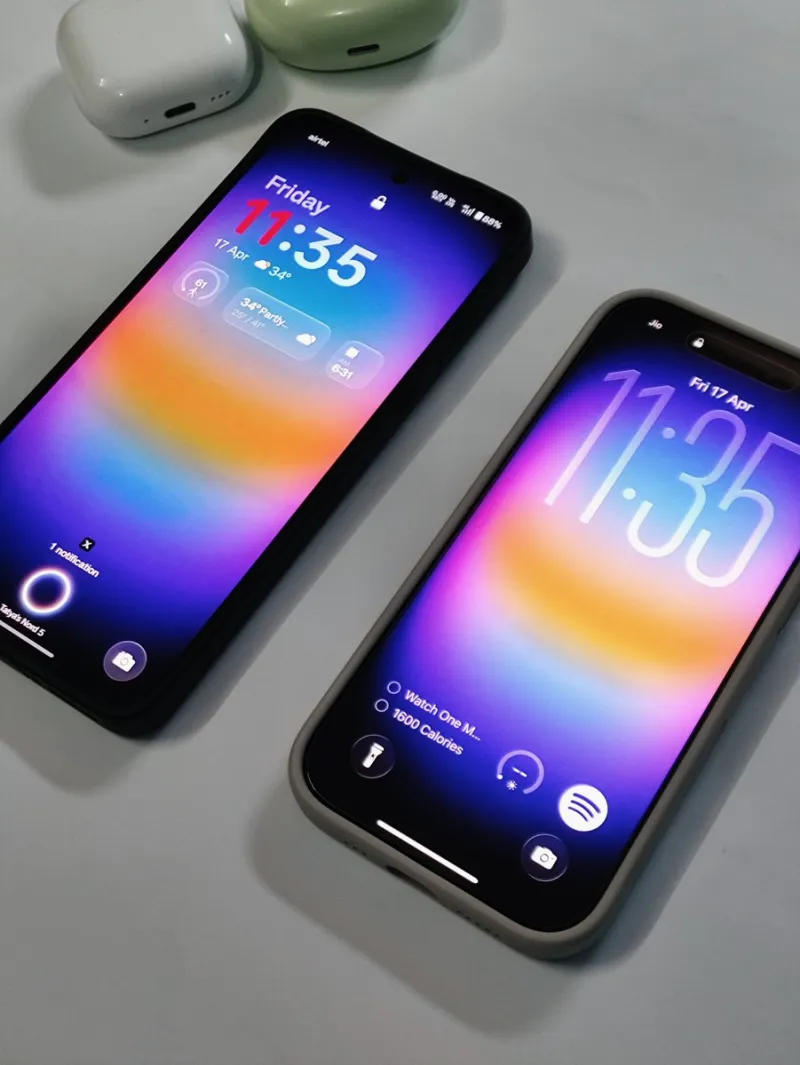
Photo: Android phone and iPhone side by side on desk, via pbs.twimg.com
So you finally made the jump. Maybe it was the camera, maybe it was peer pressure at Thanksgiving, or maybe you just got tired of your Android doing that thing it does. Whatever the reason, you're now holding a shiny new iPhone — and you're about to discover that "just download your apps again" is a lot more complicated than Apple's migration wizard lets on.
The dirty secret of switching mobile ecosystems is that your apps don't really move. Your data might (sometimes), but your app library, your purchases, and occasionally even your settings stay behind like an ex who kept all the furniture. Here's a real breakdown of where things get messy and how to actually handle it.
The Paid App Problem Nobody Warns You About
This is the one that stings the most. If you spent years buying premium Android apps on the Google Play Store — games, productivity tools, utilities — none of that carries over. iOS and Android are separate storefronts run by separate companies, and there are zero cross-platform purchase agreements in place.
That $9.99 photo editor you bought three years ago? You're buying it again if you want it on iPhone. That premium game you unlocked? Starting from zero.
The silver lining: a lot of developers now offer subscription-based models tied to your account rather than your platform. Apps like Pocket, 1Password, and Notchback-style note tools often let you log in with your email and pick up where you left off. Before you assume you're stuck, check whether the app uses account-based licensing — you might be pleasantly surprised.
What to do: Before switching, audit every paid app on your Android device. Note which ones use account logins versus one-time purchases. For account-based apps, you're fine. For everything else, decide if it's worth rebuying or if the switch is a good excuse to try something new.
The Apps That Flat-Out Don't Exist on iOS
This one varies by user, but it's real. The Android ecosystem has always been more permissive about what kinds of apps developers can build, which means some tools you've grown to depend on simply don't have iOS equivalents — or have watered-down versions that miss the point.
Default app customization apps, certain file managers with deep system access, automation tools like Tasker (which has no true iOS counterpart), and some niche utilities built around Android's open architecture just don't translate. If you're someone who's set up complex automations on Android, moving to iOS means rebuilding those workflows — often with Apple's Shortcuts app, which is powerful but operates inside a different set of walls.
Sideloading apps — something Android users can do freely — is also off the table on iOS unless you're on iOS 17.4 or later in the EU (still a limited rollout). In the US, you're working within the App Store's boundaries, full stop.
What to do: Look into Apple Shortcuts as your new automation home base. It's genuinely capable, just different. For file management, the native Files app has improved a lot. Communities on Reddit (r/shortcuts, r/iPhone) are gold for finding workarounds built by people who made the same switch.
App Categories That Are the Biggest Headaches
Not all app categories are equal when it comes to migration friction. Here's a quick rundown of where switchers consistently hit walls:
Navigation and Maps: Google Maps works great on both platforms, so you're fine there. Waze too. But if you used niche apps tied to Android Auto configurations, expect some setup time.
Music and Audio: Spotify, Apple Music, YouTube Music — all cross-platform and account-based. This category is actually one of the smoothest transitions.
Gaming: Probably the worst category for switchers. Progress syncs only if the game uses a cloud account (many don't). Paid games are almost always a repurchase. Prepare yourself.
Banking and Finance: Most major US banks have solid iOS apps, but some regional banks or credit unions may have a weaker iOS presence. Check before you switch if banking apps are central to your routine.
Smart Home: This is ecosystem-specific chaos. Google Home works on both. But if you've built your setup around Android-exclusive integrations, some devices may require re-pairing or app swaps.
The Tools That Actually Bridge the Gap
A few apps and services are genuinely designed to soften the landing for switchers.
Google's own apps are fully featured on iOS — Gmail, Drive, Photos, Maps, Chrome — so if you're already living in Google's ecosystem, your data is largely safe. Just log in and carry on.
iCloud vs. Google Photos is a real decision point. If you use Google Photos, your entire camera roll is waiting for you on iOS. If you were using default Android backup to Google Photos, you're good. The move to iCloud is optional, not mandatory.
Apple's Move to iOS app (yes, it's a real Android app) handles contacts, messages, photos, and some app data. It's not perfect, but it handles the basics well enough to be worth running before you wipe your old device.
For password managers — if you weren't using one before, now's the time. Bitwarden and 1Password both work across platforms and make the switch essentially painless on that front.
Give Yourself a Runway
Here's the most practical advice we can offer: don't wipe your Android the day you get your iPhone. Keep both devices running simultaneously for at least two weeks. Use that window to identify what's missing, find alternatives, and move data manually where needed.
Switching ecosystems isn't a one-afternoon project — it's more like moving apartments. The big stuff gets moved first, but you'll keep finding little things you forgot for weeks. The good news is that with a bit of patience and the right tools, the app gap between Android and iPhone is very much bridgeable. You'll probably even discover some iOS-native apps that you end up liking better than what you left behind.