Haunted Storage: The Invisible Clutter Quietly Taking Over Your Phone
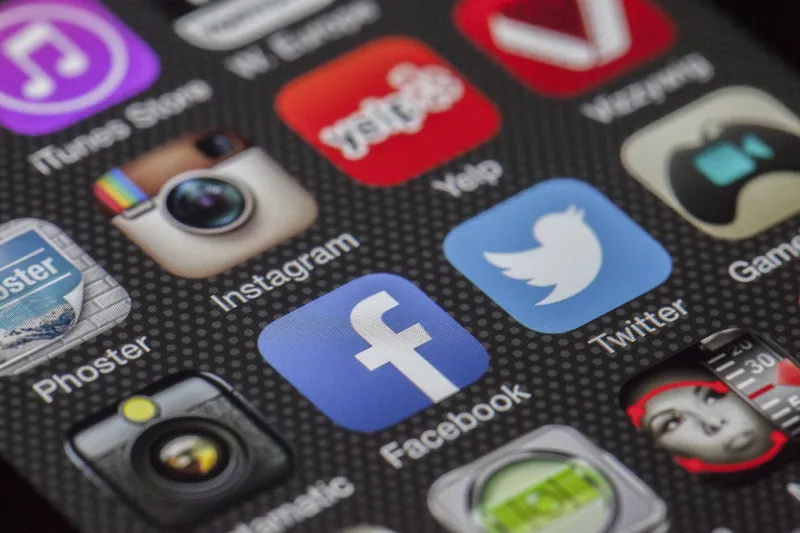
You scroll through your app drawer looking for something specific and suddenly catch yourself staring at an icon you barely recognize. When did you download that? What does it even do? And more importantly — why is it still there?
Welcome to what tech folks sometimes call the app graveyard effect. It's the slow, almost invisible accumulation of apps that seemed like a great idea at the time — the event-specific tool you needed for one conference, the fitness app from your January resolution, the coupon scanner you tried exactly once. They don't announce their uselessness. They just... sit there. And quietly, they start to cost you.
Why Your Phone Feels Cluttered Even When It Looks Fine
Here's the thing about digital clutter: it doesn't look like the pile of old magazines in your garage. Your home screen might be perfectly organized — folders labeled, wallpaper clean, everything in its place. But that surface tidiness is a little misleading.
The real mess lives deeper. Most users only see and regularly interact with maybe 10 to 15 apps on a daily basis. Research from app analytics firms consistently shows that the average American has somewhere between 40 and 80 apps installed, but actively uses fewer than half of them in any given month. That gap — between what's installed and what's actually used — is where the graveyard forms.
And here's what makes it psychologically sticky: most of those dormant apps feel potentially useful. You don't delete the travel rewards app because you might take a trip. You keep the language learning app because you should get back to it. The parking payment app stays because what if you end up downtown again? Each one has a justification. Together, they form a quiet, invisible weight on your device.
The Hidden Costs You're Not Thinking About
Let's get specific about what dormant apps are actually taking from you.
Storage, obviously — but it's more nuanced than just the install size. Many apps accumulate cache data over time even without regular use. An app you opened twice six months ago might have grown from a 45MB install to over 200MB of total storage consumption, thanks to background data, cached images, and update files. Multiply that across a dozen forgotten apps and you're looking at gigabytes of space that could be photos, music, or just breathing room for your operating system to run smoothly.
Background activity is the sneakier culprit. Depending on your phone's settings and the app's design, dormant apps can still ping servers, refresh content, and request location data in the background. They're not doing it for you — they're doing it for their own analytics and advertising infrastructure. You're basically hosting a tenant who throws parties you never get invited to.
Battery drain follows naturally from that background activity. Even if each individual app's contribution is small, the cumulative effect of a dozen background processes running on apps you haven't consciously thought about in months adds up to real battery performance loss over the course of a day.
Mental load is real too, even if it's harder to quantify. Cognitive science research suggests that visual clutter — even digital clutter — contributes to low-level stress and decision fatigue. Every app you scroll past that you don't recognize or use is a tiny, unconscious friction point. Clean it up and your phone genuinely feels faster, even if the hardware hasn't changed.
Why We Accumulate Apps in the First Place
Understanding the psychology here is actually kind of fascinating. Apps are free (or nearly free) to download, which removes the natural friction that prevents physical hoarding. You wouldn't pick up random objects off the street and carry them home — but downloading a free app feels essentially costless in the moment.
There's also a phenomenon called optimistic downloading: the gap between who you are right now and who you imagine you could be. The meditation app represents the calmer, more centered version of you. The budget tracker is the financially disciplined you. The running app is the you who gets up at 6 a.m. on Saturdays. Deleting these apps can feel weirdly like abandoning those aspirational selves, which is why so many of us keep them installed long past any reasonable expiration date.
And then there's the sunk-cost dynamic. Even if an app was free, you spent time setting it up, creating an account, maybe entering some data. Deleting it feels like wasting that effort, even when keeping it is the less rational choice.
How to Actually Audit What's Living on Your Phone
Okay, enough psychology — here's how to do something about it.
Start with your storage settings, not your home screen. Both iOS and Android have built-in storage management tools that show you every installed app sorted by size. This view is brutally honest. Go to Settings > General > iPhone Storage on iOS, or Settings > Storage on Android. Sort by size and scroll slowly. You'll find things you completely forgot about.
Apply the 90-day rule. iOS actually surfaces this for you — it'll tell you when you last used an app. If you haven't opened something in 90 days and can't name a specific, near-future reason you will, it's a candidate for deletion. Be honest with yourself here.
Separate "dormant but intentional" from "dormant and forgotten." Some apps are worth keeping even if you don't use them regularly. Your insurance company's app, your bank's secondary app, a government service tool — these have low frequency but real value when you need them. The question isn't just "have I used this?" but "would I miss it if it were gone?"
Check for duplicates. It's surprisingly common to have two apps that do essentially the same thing — maybe a default system app and a third-party alternative you downloaded and forgot to fully commit to. Pick one and cut the other.
Use the offload feature strategically. Both iOS and Android allow you to offload or archive apps — removing the app itself while keeping your data and account info. This is a good middle ground for apps you genuinely might return to but don't need taking up full storage right now.
The Bigger Picture
Your phone is supposed to be a tool that makes modern life easier — not a digital attic stuffed with things you once thought you'd need. The best mobile experience isn't about having every possible app available; it's about having the right ones, working well, without the overhead of everything else dragging things down.
Clearing out the graveyard won't feel dramatic. You probably won't notice a single app deletion. But work through two dozen of them and you might be surprised how much lighter your phone — and honestly, your day — feels afterward.
The ghosts were never doing anything useful anyway. Time to let them go.