Bug Fixes and Improvements: The Three Words That Tell You Nothing
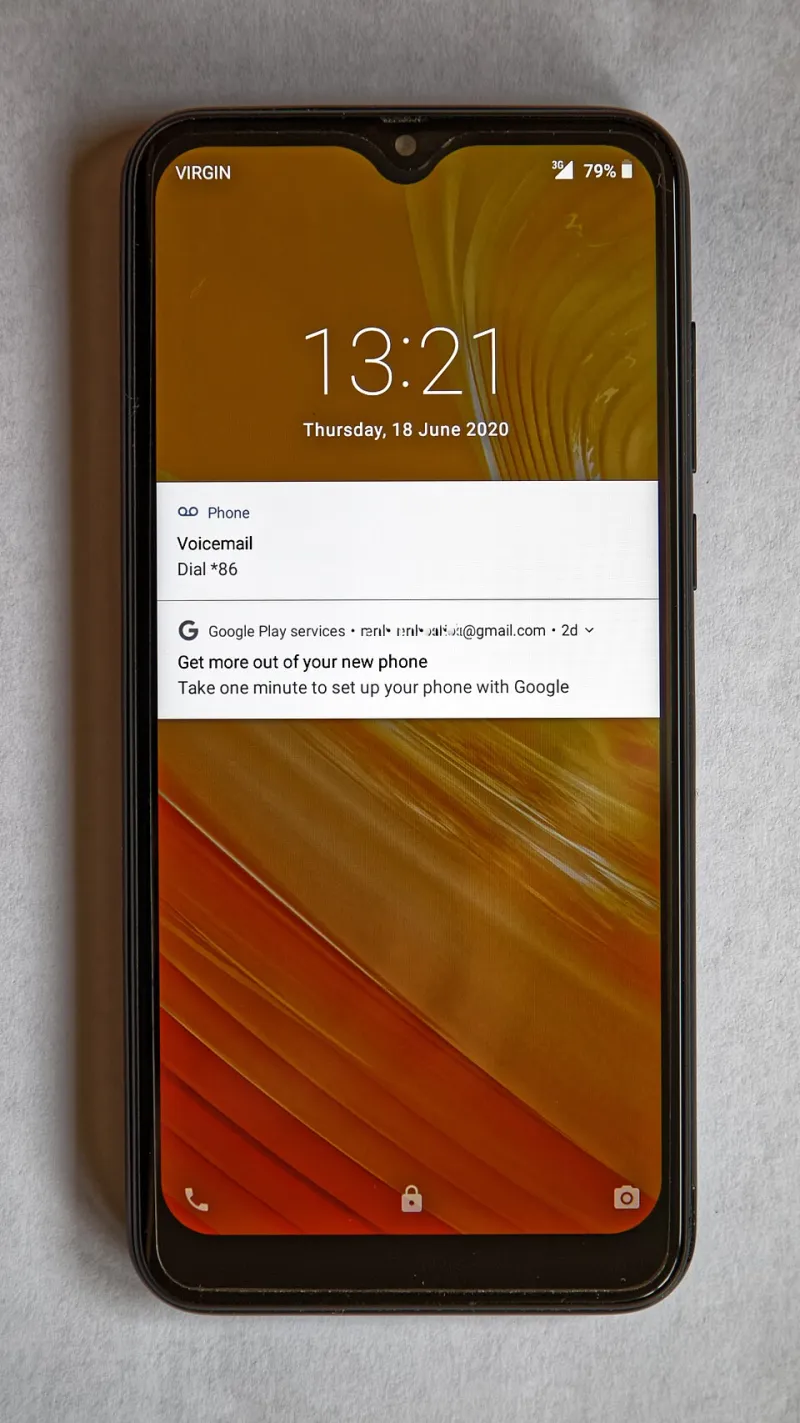
Photo: Acabashi, CC BY-SA 4.0, via Wikimedia Commons
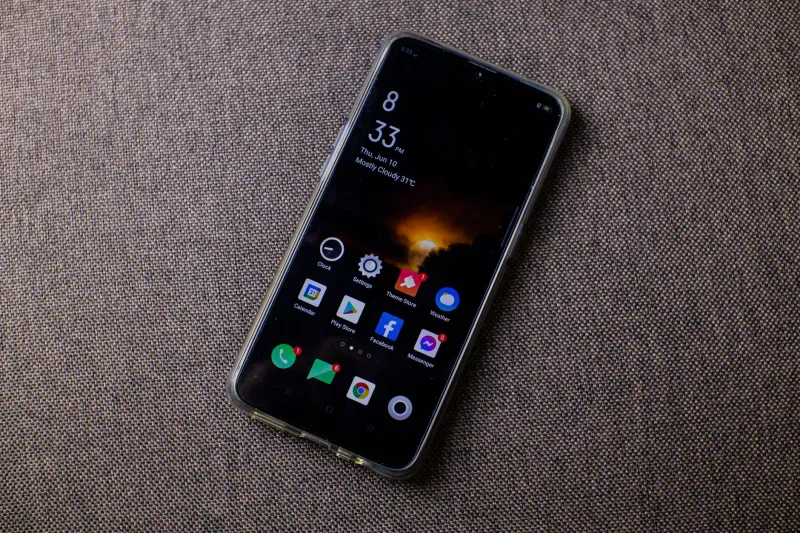
Open your App Store updates list right now and read what the developers have to say for themselves. Chances are you'll see some variation of: "Bug fixes and performance improvements." Maybe, if you're lucky, an emoji. That's it. That's the entire communication from a team of engineers who spent weeks changing the app on your phone.
We've accepted this. We tap "Update All" the way we accept the terms and conditions — without reading, without thinking, with a vague trust that newer means better. But here's the uncomfortable truth: the vanishing release note isn't laziness. It's strategy.
What 'Improvements' Actually Means
Sometimes it means what it says. Genuinely. Crashes get fixed, battery drain gets patched, and nobody wants to write a changelog about memory allocation.
But "improvements" is also the word developers use when the change is one they'd rather not announce. That includes:
- New ads or more ads. Ad load increases almost never get their own release note.
- Removed features. Especially free features that are being nudged behind a paywall.
- New tracking. Data collection changes get buried in an updated privacy label, not the changelog.
- Redesigned interfaces. Not because you asked, but because someone's quarterly goals required it.
The pattern across the industry is clear: the release note has quietly shifted from a service to the user into a legal document for the company. Saying less is safer. If you announce the removal of a beloved feature, people complain. If you call it "improvements," they find out on Tuesday morning when the button moved.
The Update Decision Framework
You don't have to live at the mercy of the Update All button. Here's how to think about it.
Update immediately if: the app handles money, security, or communication. Banking apps, password managers, two-factor authenticators, your messaging apps. These updates often contain security patches, and the risk calculus is different — the downside of waiting outweighs the annoyance of change.
Update within a week if: it's a workhorse app you use daily but isn't sensitive. Maps, notes, podcasts. Check the reviews first. If the latest version shipped something broken, you'll know within 48 hours from a wall of one-star reviews.
Wait if: the app is niche, beloved, and you depend on a specific workflow. If a photo editing app does exactly what you need, every update is a gamble with your muscle memory. There is no prize for being first.
Never auto-update: anything where a redesign would derail your routine. Turn off automatic updates for it and check in manually every month or so.
When an Update Breaks Something You Rely On
So you updated, and the feature you needed is gone, or the app is now a battery-draining mess. You have options, though fewer than you used to.
On Android, you can sometimes sideload an older APK from a reputable archive site — with the usual caveats about only doing this from sources you trust, since you're installing software outside the Play Store's protections. On iPhone, rolling back is essentially not an option for regular users, which makes the "wait and see" strategy even more important on iOS.
Either way, leave a review. It feels like shouting into the void, but developer teams genuinely do monitor review trends after a bad release, and enough one-star reviews have reversed real decisions.
A Healthier Relationship With 'New'
There's a digital wellness angle hiding under all of this: we've been trained to treat updates as gifts. They're not. An update is a change to a tool you use, made by a company with incentives that don't always match yours.
Newer isn't better. It's just newer. Sometimes the best thing you can do for your phone — and your sanity — is let an update sit there for a week while everyone else finds the bugs for you. Consider it the software equivalent of not being the first person to order a new menu item. Let somebody else test it.