What Free Really Means: The Personal Data You're Handing Over Every Time You Download

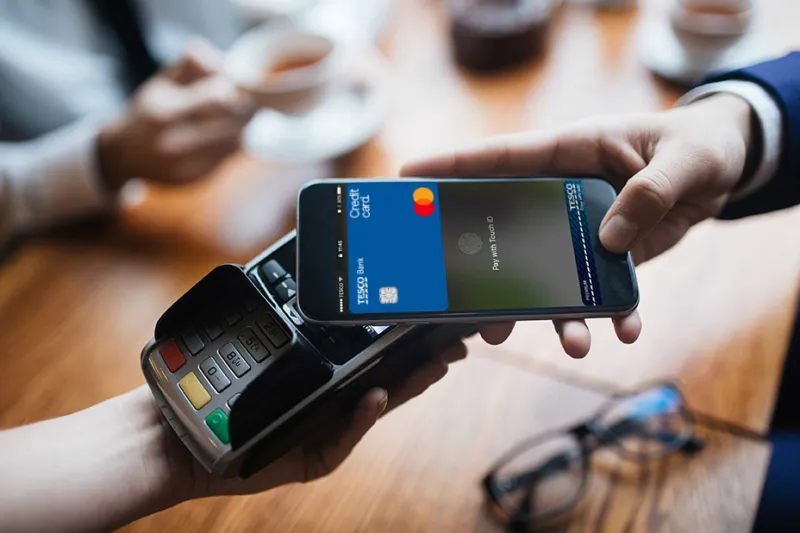
Photo: smartphone app permissions privacy data security concept, via imei.net
Let's be honest — when an app costs nothing, it feels like a win. No credit card, no subscription, just tap "Install" and you're in. But here's the thing nobody puts in the App Store description: you're almost always paying. Just not with dollars.
You're paying with your location history. Your browsing habits. Your contact list. Sometimes even your microphone access. And in many cases, that data is being packaged up and sold to companies you've never heard of — often before you've even finished the app's onboarding tutorial.
This isn't a tin-foil-hat situation. It's a documented, billion-dollar industry. And understanding how it works is the first step toward taking back some control.
The Business Model Nobody Talks About
Free apps aren't charities. They exist within an economic ecosystem where your behavioral data is the product being sold. A 2023 study from the International Computer Science Institute found that a significant portion of free Android apps share user data with third-party trackers — including advertising networks, analytics firms, and data brokers.
The pipeline looks something like this: you download a free fitness app, grant it location access so it can track your runs, and then that GPS data gets quietly funneled to a third-party analytics SDK embedded in the app's code. That SDK might be owned by a data broker who aggregates your location patterns alongside data from dozens of other apps you use. The result? A surprisingly detailed profile of your daily life — where you work, where you worship, where you sleep, and what kinds of stores you visit.
Advertisers pay good money for that kind of insight.
Location Data Is the Big One
Of all the data types apps collect, location is arguably the most sensitive — and the most frequently misused. Unlike your email address, location data over time reveals an intimate picture of your life. Analysts in the data industry have a term for it: "always-on surveillance."
Here's what makes it sneaky: many apps request "precise location" access under the guise of a useful feature (weather updates, local deals, navigation), but they're collecting that data continuously — even when you're not actively using the app. Some apps ping your location dozens of times per hour.
The difference between legitimate location use and predatory harvesting often comes down to one question: Is this data leaving your device? A maps app that uses your GPS to give you turn-by-turn directions without phoning home is fine. An app that sends your coordinates to a third-party server every 15 minutes? That's a different story entirely.
Behavioral Analytics vs. Data Predation — Knowing the Difference
Not all data collection is created equal, and it's worth drawing a line between what's reasonable and what crosses into exploitation.
Legitimate analytics might include things like tracking which features users interact with most, how long sessions last, or where users drop off in an onboarding flow. This helps developers improve their product. It's generally anonymized and used internally.
Predatory data harvesting is when apps collect far more than they need, sell that data to brokers, and use dark patterns to obscure what's happening. Think: a free game that requires access to your contacts and microphone for no obvious functional reason. Or a coupon app that logs your precise location 24/7.
A quick gut-check: if a permission request doesn't obviously connect to a core feature of the app, that's a red flag worth paying attention to.
How to Actually Audit Your App Permissions
You don't need to be a cybersecurity expert to run a meaningful privacy audit on your phone. Here's a practical approach:
On iPhone (iOS 17+): Head to Settings → Privacy & Security. From there, you can see every permission category — location, microphone, camera, contacts — and which apps have access to each. The "Location Services" section is especially worth reviewing. Change anything set to "Always" to "While Using" unless there's a genuinely good reason for background access.
Also check out the App Privacy Report (Settings → Privacy & Security → App Privacy Report). This feature shows you which apps are contacting third-party domains and how often. It's eye-opening.
On Android (Android 13+): Go to Settings → Privacy → Permission Manager. You'll get a similar breakdown by permission type. Android also has a Privacy Dashboard that shows a timeline of recent permission use — so you can literally see that your weather app accessed your microphone at 2 a.m.
Third-party tools worth knowing:
- Exodus Privacy (exodus-privacy.eu.org) lets you look up any Android app and see exactly which trackers are embedded in it.
- DuckDuckGo's App Tracking Protection (for Android) blocks trackers across apps, even when you're not browsing.
- Apple's App Privacy labels in the App Store give you a rundown of what data an app collects before you install it — actually read them.
The "Just Delete It" Rule
One of the most underrated privacy moves is radical simplicity: if you don't use an app regularly, delete it. Every app sitting dormant on your phone is a potential data collection point. The average American has around 80 apps installed but actively uses fewer than 10 on any given day. That's a lot of unnecessary exposure.
Go through your apps once a month. Ask: Have I opened this in the last 30 days? No? Gone. You can always reinstall it later if you need it.
Paying for Privacy Is Sometimes Worth It
Here's an uncomfortable truth: sometimes the paid version of an app — or a paid alternative — is genuinely the better privacy choice. A $2.99 app that makes its money from purchases has less incentive to monetize your data than a free version propped up by ad networks.
This doesn't mean every free app is evil or every paid app is saintly. But when you're choosing between a free and paid tier for something you use daily, it's worth factoring in what the free version might be costing you in a less visible way.
You Have More Control Than You Think
The mobile app economy is built on the assumption that users won't look too closely at what's happening under the hood. And for years, that assumption held. But tools are improving, regulations like California's CCPA are shifting the landscape, and awareness is growing.
You don't have to swear off free apps entirely. But going in with eyes open — knowing what permissions to question, how to audit your exposure, and when a "free" app is actually a raw deal — puts you in a fundamentally stronger position.
Your data is worth something. Make sure the trade is one you're actually okay with.